












Samsung Pay is a mobile payment tool from Samsung Electronics, built right into the Samsung Wallet app on Galaxy devices. For casino players, it acts as a digital shortcut that connects your debit or credit card to the casino cashier.
All it takes is a quick fingerprint or face scan to approve a deposit. If you’re curious about faster mobile gaming, understanding how this digital wallet works is a great place to start.
The main draw here? It’s all about speed and security. But there are a few real-life limits at casinos that every Samsung user should know before diving in.

Here’s something important: Samsung Pay isn’t its own financial account. It doesn’t hold a balance for you.
Every transaction goes through a linked Visa or Mastercard, so the casino treats it just like a regular card deposit. That matters for withdrawals, bonuses, and even how your bank sees gambling payments.
Key Takeaways
-
Samsung Pay deposits are quick and secure, but underneath, it’s just a card payment, so casinos handle it like any other card.
-
Most casinos don’t support direct withdrawals to Samsung Pay; they usually send payouts back to your linked card.
-
Bonus eligibility and any bank restrictions depend on your card issuer, not on Samsung Pay itself.
|
Detail |
Summary |
|---|---|
|
Method Type |
Mobile digital wallet (card pass-through) |
|
Operator |
Samsung Electronics Co., Ltd. |
|
Typical Deposit Speed |
Instant (seconds) |
|
Typical Withdrawal Speed |
1-5 business days (via linked card) |
|
Withdrawals Supported |
Rarely directly; usually via linked card |
|
Typical Fees |
Samsung charges none; bank fees may apply |
|
Bonus Eligibility |
Generally treated as card deposit; varies by casino |
|
Regulatory Standing |
Operates through Visa/Mastercard networks; subject to card network rules and local banking regulation |
What Players Should Know First

What Samsung Pay Actually Is
Samsung Pay lives inside the Samsung Wallet app, ready to go on Galaxy phones and some smartwatches. To get started, just add your bank cards and verify them with your bank.
Once that’s done, you can store debit and credit cards digitally and use them for payments—no physical card needed. It’s a smooth way to connect your bank to your favorite gaming spots.
But don’t think of it as a prepaid account or a wallet with its own cash. It’s more like a secure digital envelope that wraps around your existing card.
Whether It Works As A True Casino Payment Method
Online casinos mostly use Samsung Pay as a card deposit method. It’s popping up more at modern mobile casinos, especially those focused on Android users who want a slick, simple experience.
Plenty of Samsung Pay casinos let you make payments right inside their app or browser. That way, everything stays in one place and your financial info stays protected.
If the casino’s checkout page accepts Visa or Mastercard, Samsung Galaxy users can pay by authenticating on their device. No need to type card numbers every time — which is a relief, honestly.
Some casinos do list Samsung Pay by name in the cashier. More often, though, there’s no Samsung Pay button, and you just use your linked card like usual. The wallet part happens behind the scenes.
Deposit-Only Reality Vs. Full Withdrawal Support
This is where things get a little tricky. Because Samsung Pay doesn’t actually hold your money, casinos can’t send your winnings back through Samsung Pay itself.
Usually, withdrawals go to the debit or credit card you’ve linked in Samsung Wallet. The casino sends your payout through the card network, and your bank handles the rest.
How long does it take? That depends on your card issuer and how fast the casino processes payouts. Compared to e-wallets, this method is usually a bit slower for getting your cash. A handful of casinos do support Samsung Pay withdrawals, but honestly, that’s pretty rare.
Who It Suits Best
If you already use a Samsung Galaxy device and want fast, secure deposits without typing card details, Samsung Pay is a solid choice. It adds a nice layer of safety and cuts down on hassle when you’re making deposits.
But if you want lightning-fast withdrawals, a separate gambling account, or a method that works at every licensed casino, this probably isn’t your best bet.
How Payments Work In Practice
How To Deposit From The Casino Cashier
If the casino cashier lists Samsung Pay as an option, making a deposit is super simple. Pick Samsung Pay, enter the amount, and your phone asks for a fingerprint or face scan.
The casino credits your balance almost right away. You can usually start playing within a minute. When the casino supports it properly, it’s one of the smoothest mobile deposit experiences out there.
When Card Checkout Is Used Instead Of A Samsung Pay Button
But here’s the thing: most casinos don’t show a Samsung Pay button. Instead, you’ll pick Visa or Mastercard and type your card info by hand.
Sometimes, Samsung Pay pops up as an autofill or shortcut in your mobile browser, letting you use the wallet instead of typing. Whether this works depends on your device, browser, and the casino’s payment form. In my experience, results are hit or miss.
What Happens When You Cash Out Winnings
When you cash out, the casino usually sends your winnings back to the same card you used to deposit. The funds show up in your card account in one to five business days, sometimes a bit faster if you’re lucky.
If the casino insists on using the same method for withdrawals, your card gets the payout—not a separate wallet. You can check your Samsung Pay app to see the transaction in your card’s history.
Where Verification And Approval Delays Can Appear
Gambling transactions linked to cards go through a few hoops. Your bank might flag or block the charge, especially if it’s gambling-related. Casinos might pause a withdrawal until they verify your ID. Card networks sometimes treat gambling payments differently, which can cause delays.
Samsung Pay isn’t to blame for these holdups—they usually come from your bank or the casino’s compliance team. If a deposit fails, it’s almost always because the bank blocks the gambling transaction, not because of a problem with Samsung Pay.
Speed, Fees, Limits, And Bonus Impact
Typical Deposit Speed
Deposits with Samsung Pay are basically instant. After you confirm with your fingerprint or face, the transaction goes through the card network, and the casino credits your account in seconds.
There’s no real waiting on deposits—just tap, scan, and you’re in.
Typical Withdrawal Routing And Timing
Withdrawals take longer. Since Samsung Pay doesn’t hold your money, payouts go back through your linked Visa or Mastercard. The casino’s own processing time adds to the wait.
|
Stage |
Typical Time |
|---|---|
|
Casino internal payout processing |
0-72 hours |
|
Card network transit |
1-5 business days |
|
Total withdrawal time (typical) |
1-5 business days |
This is pretty standard for card withdrawals. If you want your winnings even faster, e-wallets usually beat card-based methods for speed.
Common Fees And Currency Costs
Samsung Pay itself doesn't charge you for making payments. Still, you might see some fees depending on your bank or the casino you’re playing at.
-
Casino-side fees: Most reputable casinos won’t tack on extra fees just for using your card to deposit or withdraw.
-
Currency conversion: If your card uses a different currency than the casino, your card issuer may charge a conversion fee—usually about 1-3%.
-
Cash advance risk: Some banks treat gambling payments on credit cards as cash advances, which can mean higher fees and interest. Using a debit card with Samsung Pay sidesteps this issue.
Limits, High-Roller Use, And Bonus Eligibility
Each casino sets its own limits for Samsung Pay deposits. Minimums usually start low—think $10 or $20—while the maximums depend on the casino and your player status.
If you’re a high roller hoping to move big amounts in a single go, Samsung Pay probably isn’t your best bet. Card-based methods like this tend to have stricter limits compared to bank transfers or crypto.
On the bright side, most casinos treat Samsung Pay deposits like regular card payments, so they’re usually eligible for welcome bonuses. That’s a nice perk, especially since dedicated e-wallets like Skrill or Neteller often get excluded from these offers.
Always double-check the casino’s terms before depositing, though. It takes just a moment and can save you a headache.
Security, Privacy, And Compatibility
Tokenization And Biometric Protection
When you add your card to Samsung Pay, your actual card number never gets stored on your phone or sent to the casino. Instead, Samsung creates a one-time-use “token” that stands in for your card during each transaction.
This means the casino never sees your real card info, which helps keep your data safe even if the casino itself has a breach. Think of it as using a stand-in actor instead of sending the real star.
Every time you pay, you’ll need to use your fingerprint or face ID to confirm. This combo—tokenization plus biometrics—makes Samsung Pay a pretty secure choice. Even if someone gets hold of your phone, they can’t make payments without your unique print or face.
Samsung Knox, NFC, And MST Explained
Samsung Knox is like your phone’s security guard, always on duty behind the scenes. It runs in a protected area of your device, watching out for malware and tampering in real time.
When you make a payment, it happens inside this secure zone, away from your other apps. On the techy side, Samsung Pay uses two ways to send payments:
-
NFC (Near Field Communication): This is the standard tap-to-pay method you see on most card readers and online checkouts.
-
MST (Magnetic Secure Transmission): Samsung’s own trick lets your phone mimic the swipe of a physical card, so you can pay even at older terminals that don’t have NFC.
For online casino deposits, your payment goes through the usual card network system, not through NFC or MST.
Privacy Expectations On Gambling Payments
When you use Samsung Pay at a casino, your bank still sees the transaction and lists it as gambling on your statement. Samsung Wallet also logs it in your payment history.
If you’re hoping for total privacy, Samsung Pay doesn’t hide your casino spending from your bank. Folks looking for more separation usually turn to e-wallets or prepaid cards.
Device Compatibility And Setup Basics
Most Samsung Galaxy smartphones from around 2015 and newer support Samsung Pay, and some Samsung smartwatches do too. To set it up, just open or download the Samsung Wallet app, add your debit or credit card, and follow your bank’s verification steps.
Keep in mind, not every bank in every country works with Samsung Pay. In the U.S., most big banks and lots of smaller ones are on board, but it’s smart to check with your card issuer before relying on it for casino deposits.
How It Compares To Other Casino Banking Options
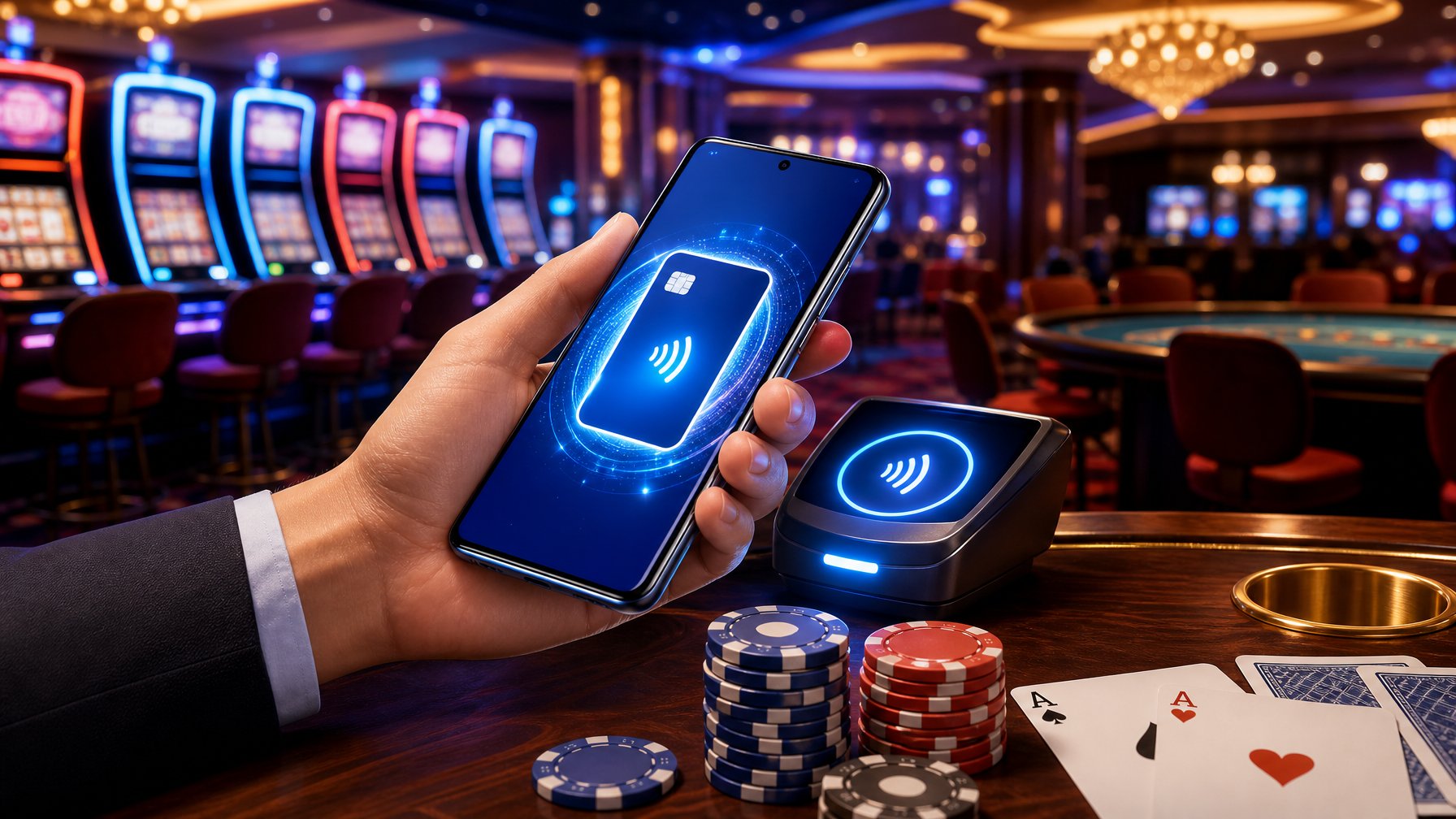
Vs. Direct Visa And Mastercard Deposits
Using Samsung Pay to deposit at a casino works pretty much the same as using your Visa or Mastercard directly. The transaction itself is a standard card payment.
The main difference? Samsung Pay adds biometric confirmation and keeps your card number off the casino’s website.
Speed, fees, bonus eligibility, and how withdrawals work all match up with direct card deposits. If your bank already allows card payments to your casino, Samsung Pay simply adds a security layer without changing the basics.
Vs. Apple Pay And Google Pay
Apple Pay and Google Pay use the same kind of token system as Samsung Pay, and their security setups are pretty similar.
The real differences come down to devices:
|
Feature |
Samsung Pay |
Apple Pay |
Google Pay |
|---|---|---|---|
|
Device requirement |
Samsung Galaxy |
Apple iPhone/iPad |
Android (broad) |
|
MST support |
Yes (select models) |
No |
No |
|
Casino acceptance |
Moderate |
Moderate |
Moderate |
|
Independent balance |
No |
No |
No |
|
Withdrawal support |
Rarely direct |
Rarely direct |
Rarely direct |
For casino players, all three options are pretty similar. The best one for you really depends on your device.
Vs. PayPal, Skrill, And Neteller
PayPal, Skrill, and Neteller are dedicated e-wallets, which means they hold your money in their own accounts, separate from your bank cards. That setup changes a few things for casino players:
-
Withdrawals to e-wallets usually happen much faster—sometimes in just 24 hours—compared to the 1-5 business days for card-based Samsung Pay withdrawals.
-
Bonus eligibility is often trickier with e-wallets. Many casinos leave out Skrill and Neteller deposits from their welcome bonuses. Samsung Pay, since it acts like a card, usually doesn’t have this problem.
-
Privacy is a touch better with e-wallets, since your bank card isn’t directly involved in the transaction.
It’s a trade-off. Samsung Pay is more likely to get you a bonus, but e-wallets are faster when you want your winnings back.
When Another Method Is The Better Choice
Samsung Pay is a solid pick if:
-
You’ve got a Samsung device and want quick, secure deposits with biometrics.
-
You care about getting a welcome bonus and don’t want to risk being excluded by using an e-wallet.
But you might want to look elsewhere if:
-
Fast withdrawals are a must—PayPal or another e-wallet can be better for that.
-
You want extra privacy from your bank—prepaid cards or e-wallets offer more separation.
-
Your bank blocks gambling charges on your card—Samsung Pay won’t get around that.
-
You want one method for both deposits and withdrawals—e-wallets or bank transfers tend to be more seamless.
Final Assessment
Best Use Cases For Samsung Pay
Samsung Pay shines in some pretty specific situations. It’s a great fit when:
-
You use a Samsung Galaxy device regularly and your casino supports card deposits.
-
You want the extra security of biometric authentication, but don’t feel like making a new account somewhere else.
-
You’re looking for a fast way to top up your account for a live casino session—no need to type in card numbers.
-
You’re chasing a welcome bonus and want to avoid the e-wallet exclusion trap.
-
You’re okay with withdrawals taking a few days, just like regular card payouts.
Main Drawbacks To Keep In Mind
There are some real downsides you’ll want to remember:
-
Withdrawals usually don’t go straight to Samsung Pay. Most casinos just send your winnings back to your card, not directly through the app.
-
If your bank blocks gambling payments, you’re out of luck. Samsung Pay can’t override a declined transaction.
-
No extra privacy compared to just using your card. Gambling charges still show up on your bank statement.
-
Device exclusivity matters. If you’re not using a Samsung device, you can’t use Samsung Pay for casino deposits at all.
Pros And Cons Snapshot
Pros
|
# |
Advantage |
|---|---|
|
1 |
Instant deposits show up in seconds, thanks to the card network. |
|
2 |
Strong security comes from features like tokenization, biometric logins, and Samsung Knox. |
|
3 |
Usually bonus-friendly since these deposits count as card payments, not e-wallet top-ups. |
|
4 |
No Samsung Pay fees—the wallet doesn’t tack on extra charges. |
Cons
|
# |
Disadvantage |
|---|---|
|
1 |
Withdrawals are rarely direct; payouts head back to your linked card and can take 1–5 business days. |
|
2 |
Bank-level gambling blocks might stop deposits, even if Samsung Pay itself works fine. |
|
3 |
No real privacy boost compared to using your card directly—transactions still show up on your statements. |
|
4 |
Device-locked—it only works on Samsung Galaxy devices, so everyone else is out of luck. |
Overall Verdict
If you use a Samsung device and want a quicker, safer way to deposit without typing in card numbers every time, Samsung Pay is a pretty handy tool. The security features are genuinely solid, and the deposit process feels smooth.
But let's be real—it doesn't cover every base. You can't count on it for easy withdrawals, and your transactions still show up on your card account.
If you care most about fast cashouts, more privacy, or switching between different devices, you might be happier with an e-wallet or a good old-fashioned bank transfer. On the other hand, if you're a regular Samsung user who wants peace of mind on the deposit side and likes being eligible for bonuses, Samsung Pay makes a sensible everyday pick.
It won't be the right fit for everyone, and that's totally okay. Want to see what else is out there? You can check out our full list of casino payment options at FreeCasino.co and find something that matches your style.